
General Introduction
On a customer implementation I found the following error while trying to configure the Microsoft Baselines for Defender for Office 365:
The follow policies named “Standard Recommended Policy” or “Strict Recommended Policy” already exists. Please remove it first. HostedContentFilterPolicy
Guide
To fix the issue first open PowerShell and connect to Exchange Online. If you don’t have the module installed launch the following commands:
Set-ExecutionPolicy RemoteSigned
Install-Module PowershellGet
Install-Module -Name ExchangeOnlineManagement
Then connect to connect to Exchange Online with Powershell run the following command, modifying the username first:
Connect-ExchangeOnline -UserPrincipalName admin@azvise.com
Then run:
Get-HostedContentFilterPolicy
This will show the currently configured policies.

If you already have a Standard Preset Security Policy run the following to remove it:
Get-HostedContentFilterPolicy | Where Name -eq "Standard Preset Security Policy" | Remove-HostedContentFilterPolicy
If you already have a Strict Preset Security Policy run the following to remove it:
Get-HostedContentFilterPolicy | Where Name -eq "Strict Preset Security Policy" | Remove-HostedContentFilterPolicy
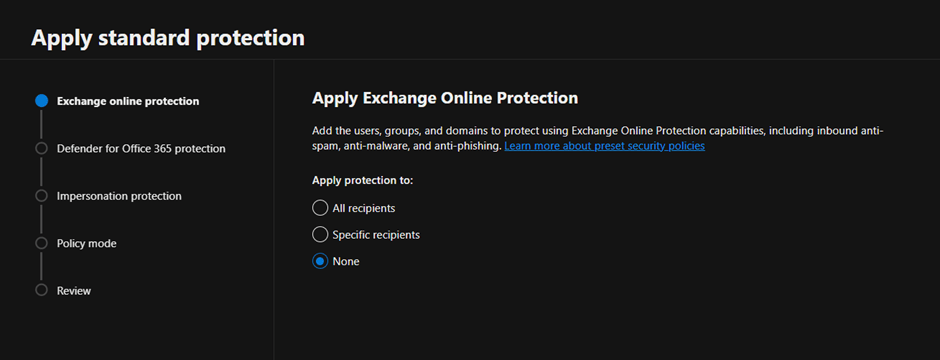
This should fix the issue. When you refresh your browser you should be able to configure the Preset Policies. Once completed, the new policies will show up.
 Azvise