
The ‘Report Suspicious Activity‘ feature is a part of the authentication methods settings in Entra ID. This feature allows users to report suspicious MFA requests when using the Microsoft Authenticator or phone calls (if you can, please migrate to something other than phone-based MFA methods). When a user reports an MFA request, the user risk will be bumped up. Depending on your Identity protection policies or Conditional Access Policies, the user might be blocked or prompted for a password change.
How to enable
- To enable this feature, sign in to the Microsoft Entra admin center.
- Head into Security, Authentication methods, Settings.
- Under Report suspicious activity, select state, and set it to Enabled, then save.
- If you want, you can scope who can use this feature using the Select group menu. You should usually apply the feature to all users.

User perspective:
Once a suspicious MFA request is sent to the user, they should click “No, it’s not me.”

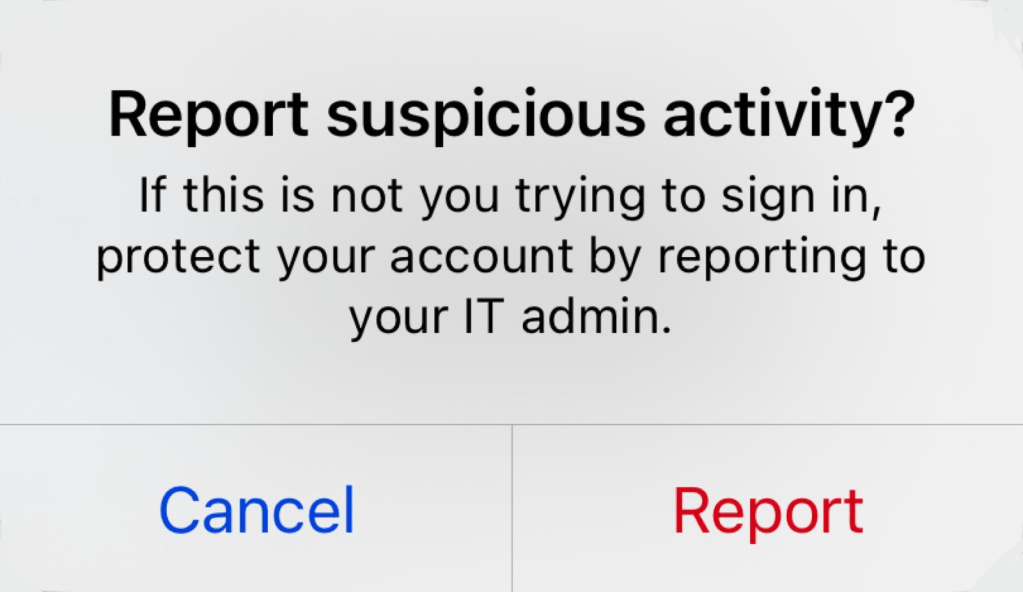
The user will be shown a new pop-up. The user should click “Report“.
 Azvise